Automate Recurring Invoices: The Practical Guide
Automate recurring invoices instead of billing manually each month: a guide for Swiss SMEs with saldiaBilling, deep bexio integration and the QR invoice.
 Stefan Sempach 6 min read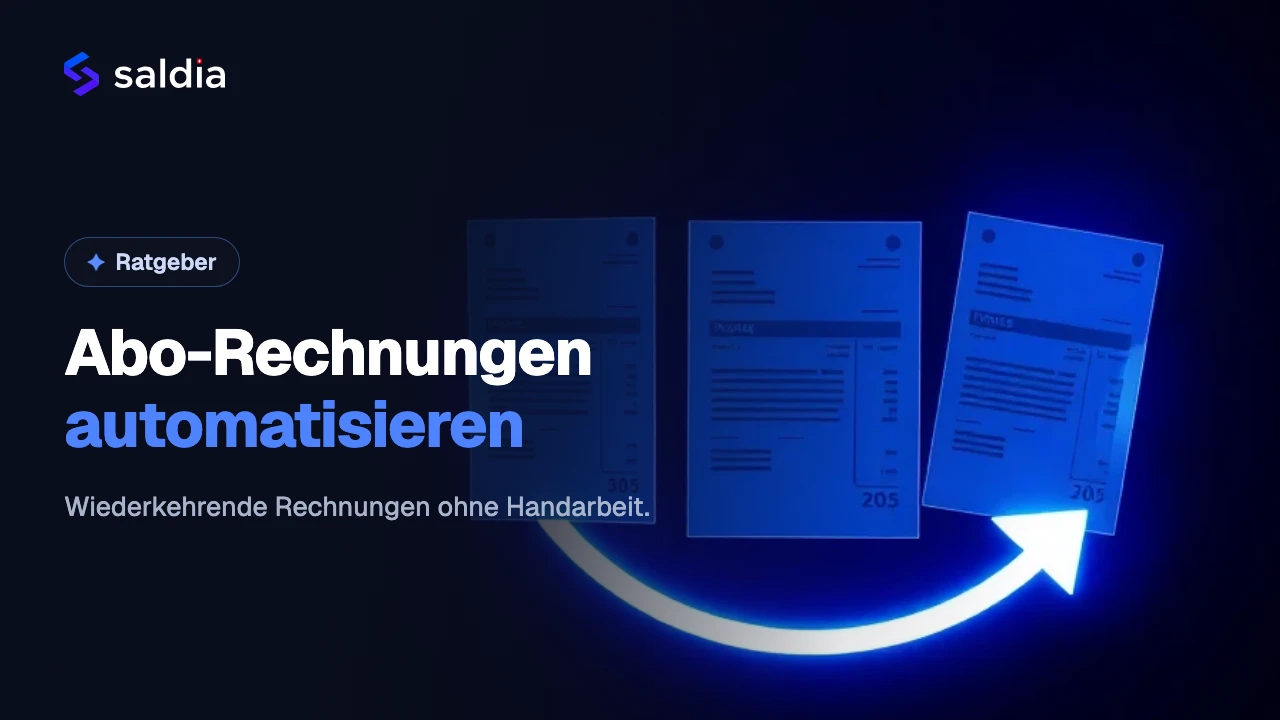
If you run a service business or SME with subscriptions, hosting contracts or maintenance plans, you know the routine: at the start of every month you sit down and retype the same invoices. Same customers, same amounts, same line items – only the date changes. It costs time, it is error-prone, and it gets more tedious with every new contract. In this guide we show you how to automate recurring invoices instead of creating them by hand month after month – with a clear focus on Swiss practice: QR invoice, bexio accounting and online payment.
Why manual invoicing costs more than you think
The obvious effort is writing the invoice. The hidden effort is everything around it: you have to remember to issue it in the first place. You have to send it. You have to check whether it was paid. You have to follow up if it wasn't. And in the end you have to book the incoming payment cleanly in your accounting.
With a handful of contracts this is still manageable. But as soon as you have twenty, fifty or more recurring items, the end of the month becomes a recurring time sink. Worse: if you forget an invoice, you lose revenue you will never recover. And anyone chasing payments manually tends to put off the uncomfortable follow-up – so open items stay open longer than they need to. Automation solves more than a time problem; it solves a cash-flow problem.
What "automating recurring invoices" actually means
Automation does not simply mean "saving a template". Real automation covers the whole cycle, from creation to booking. Ideally you set up a contract once – and from then on the cycle runs on its own:
- Create: The invoice is generated automatically at the chosen interval – monthly, quarterly or yearly.
- Send: It goes to the customer automatically, without you having to send it manually.
- Pay: The customer pays directly online or via the QR invoice – and the payment is matched to the correct invoice.
- Follow up: If payment is missing, the system handles the reminder and dunning.
- Book: The invoice lands in your accounting without duplicate entry.
That last point is often underestimated. Many tools create invoices but leave you alone with the export and the booking. But if you keep your books in bexio in Switzerland, you don't want to shuffle CSV files back and forth every month.
saldiaBilling: deep bexio integration at its core
saldiaBilling is a Swiss software for subscription management and the automated billing of recurring revenue. You manage subscriptions, invoicing and dunning in one place and collect payments automatically. The decisive point for many Swiss SMEs is the integration with the accounting software bexio.
This integration ensures that invoices and bookings flow into your accounting without duplicate entry. Instead of writing an invoice in one tool and then re-entering it in bexio, the two run together. That is the real wedge: not "yet another invoicing program", but a solution that automatically creates, sends and follows up on your recurring invoices and keeps your existing bexio accounting up to date. We show how the two work together in detail on our page automate recurring invoices with bexio.
On top of that, saldiaBilling is built for Swiss accounting: it supports the Swiss QR invoice, calculates VAT according to Swiss regulations and is hosted in Switzerland. Recurring QR invoices can therefore be automated without compromising on the format. For recurring contracts you configure flexible intervals – monthly, quarterly or yearly – and the system creates each invoice at the right time.
Online payment: getting paid faster with saldiaPay
An automated invoice is only half the job – in the end what counts is that the money actually arrives. That is why saldiaBilling supports online payment methods. Through saldiaPay, our Swiss payment provider, you accept common Swiss payment methods such as TWINT, credit cards and PostFinance – with settlement in Swiss francs.
It is worth being precise here: this is not about international providers supposedly not supporting TWINT. The advantage lies in the interplay. Your recurring QR invoice can be combined with an online payment so the customer pays directly – and the incoming payment flows into the same cycle of invoicing, dunning and booking. The fewer breaks between invoice, payment and accounting, the less manual work is left on your desk.
How to approach automation
You don't have to automate everything from scratch. A pragmatic path in four steps:
- Take stock: List all recurring items – subscriptions, hosting, maintenance. Note the interval, amount and VAT rate per line.
- Set up contracts: Store these items as recurring invoices with the right interval instead of retyping them every month.
- Activate payment & dunning: Link online payment and set up automatic dunning so that due and overdue payments are followed up without your involvement.
- Connect bexio: Establish the link to your accounting so that invoices and bookings stay in sync automatically. If you also sell online, an online shop with bexio integration can be connected to the same accounting.
An honest note belongs here too: saldiaBilling is offered as an individual solution, with pricing available on request. There's a reason for that – subscription models, intervals and integrations differ from business to business. In a personal consultation with a demo, the solution is tailored to your use case. The easiest entry point is the contact form. If you only have one or two contracts today and don't use bexio, the benefit is smaller; automation really pays off once you bill regularly and want to keep your bexio accounting up to date.
In short: automating recurring invoices is not about saving a template, but about joining up the whole cycle of creating, sending, collecting, dunning and booking. With saldiaBilling's deep bexio integration and online payment via saldiaPay, you can do exactly that for everyday Swiss business.
Frequently Asked Questions (FAQ)
How can I automate recurring invoices as an SME?
You set up your recurring items – subscriptions, hosting, maintenance – once as a recurring invoice with a fixed interval, instead of retyping them every month. A solution like saldiaBilling then creates, sends and books these invoices automatically and also handles dunning when needed. This removes the manual invoicing at month-end.
Can saldiaBilling connect with bexio?
Yes. saldiaBilling integrates with the bexio accounting software, so invoices and bookings flow into your accounting without duplicate entry. You don't record an invoice twice, but keep your bexio accounting up to date automatically – a major advantage especially when you have many recurring invoices.
Does saldiaBilling support the Swiss QR invoice?
Yes. saldiaBilling is built for Swiss accounting and creates invoices in the official QR invoice format, including automatic VAT calculation according to Swiss regulations. Recurring invoices can therefore be automated as QR invoices without compromising on the format.
How can my customers pay online?
saldiaBilling supports online payment methods through our Swiss payment provider saldiaPay. With it you accept common Swiss payment methods such as TWINT, credit cards and PostFinance, with settlement in Swiss francs. Your customer can pay directly, and the incoming payment runs in the same cycle as invoicing and booking.
How much does saldiaBilling cost?
saldiaBilling is offered as an individual solution, with pricing available on request. In a personal consultation with a demo you receive pricing advice tailored to your use case – easiest via the contact form. The price depends among other things on your subscription models, intervals and the integrations you want.